
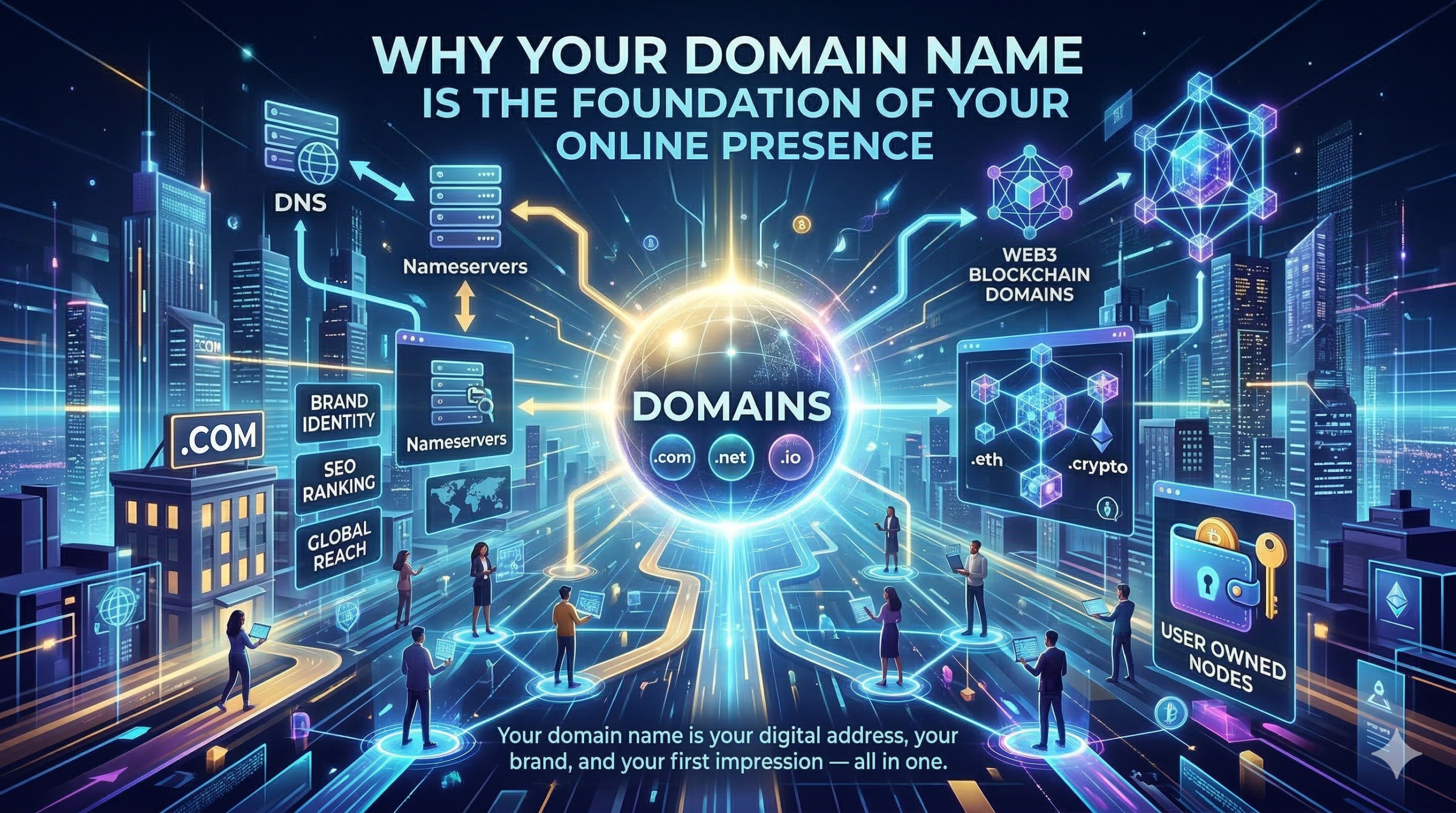
Your domain name is your digital address, your brand, and your first impression, your all-in-one.
Why Your Domain Name Is the Foundation of Your Online Presence (And How to Choose It Wisely)
Imagine opening a business on the world’s busiest street, but instead of a sign above the door, you have a long, forgettable string of numbers. That is essentially what it looks like to have a website without a proper domain name. Your domain is your address, your identity, and your first handshake with every person who finds you online.
Yet for many people - entrepreneurs, small business owners, bloggers, and creators - the world of domain names feels unnecessarily technical. TLDs, gTLDs, DNS, nameservers, ICANN, registrars… the jargon piles up quickly. And now there is an entirely new category of Web3 blockchain-based domain extensions entering the picture.
This guide demystifies all of it. By the time you finish reading, you will understand exactly what a domain name is, how the entire system works behind the scenes, what your choices are when it comes to extensions - and why getting this decision right is one of the smartest investments you can make in your online presence.
1. What Is a Domain Name and Why Does It Matter?
A domain name is the human-readable address people type into their browser to visit your website - for example, "yourbusiness.com" or "creativestudio.design". Without one, your website would only be accessible via a raw IP address, which looks something like 104.21.45.67.
Memorable? Hardly.
But a domain name is far more than a technical convenience. It is one of the most strategically important assets your business can own online, for several interconnected reasons.
Credibility and Professionalism: A custom domain signals legitimacy. Consumers trust businesses with professional domain names far more than those operating from free subdomains like yourbusiness.wordpress.com. In competitive markets, this trust gap can be the difference between a visitor staying or leaving.
Brand Identity: Your domain name is your brand’s home on the internet. A well-chosen domain reinforces your name, your niche, or your values every time someone types it, sees it in an email, or spots it on a business card.
Search Engine Optimization (SEO): Search engines use domain names as one of many signals when ranking websites. A clean, relevant domain contributes to stronger search visibility over time, while a confusing or keyword-stuffed domain can work against you.
Email Authority: Owning your domain means sending email from "yourname@yourbusiness.com" rather than a generic Gmail address. This alone dramatically improves how you are perceived by clients, partners, and journalists.
Ownership and Portability: Unlike a social media profile, you own your domain outright. No platform can revoke your access, change the algorithm, or shut down your page. Your domain is a permanent, portable digital asset.
Every domain name has two main parts: the name itself (the second-level domain) and the extension that follows the dot. That extension is called a Top-Level Domain, or TLD.
In the address yourbusiness.com, the TLD is .com. In nonprofit.org, it is .org. TLDs are the rightmost segment of any domain name, and they carry meaning, authority, and trust signals of their own.
When the commercial internet began expanding in the 1980s and 1990s, only a small set of TLDs existed, each with an intended purpose:
• .com - For commercial businesses. Now the most recognized and trusted domain extension globally.
• .org - Originally for non-profit organizations. Still widely associated with charities, foundations, and communities.
• .net - Designed for network infrastructure companies. Now used broadly as an alternative to .com.
• .gov - Restricted to U.S. government entities.
• .edu - Restricted to accredited educational institutions.
• .mil - Reserved for the U.S. military.
Alongside these are country-code TLDs (ccTLDs) — two-letter extensions assigned to every country on earth: .uk for the United Kingdom, .au for Australia, .de for Germany, .ca for Canada. These are often used by local businesses to signal geographic relevance.
For decades, .com dominated so completely that many people assumed it was the only extension worth having. That changed fundamentally in 2012, when ICANN approved a massive expansion of the domain namespace, resulting in hundreds of new generic Top-Level Domains, known as new gTLDs.
• Industry and Niche Extensions - Extensions like .tech, .store, .photography, .law, .clinic, .finance, and .agency allow businesses to signal their sector instantly, right in their domain name.
• Creative and Personal Extensions - Extensions like .design, .studio, .art, .blog, .media, and .creative opened new possibilities for artists, content creators, and independent professionals.
• Geographic Extensions - Extensions like .nyc, .london, .berlin, and .africa allow businesses to signal strong local identity and geographic relevance.
• Action-Oriented Extensions - Extensions like .shop, .app, .solutions, .services, and .help create opportunities for highly descriptive, memorable domain names.
✨ Quick Tip: Should You Use a New gTLD?
Yes - if it is genuinely relevant and memorable. A design agency using studio.design or a tech startup using product.app can create a domain that is more descriptive and distinctive than any available .com. The key question is: will my audience find this clear, trustworthy, and easy to remember? The best domain serves your brand, not just convention.
That said, for general audiences and global brands, .com remains the gold standard of trust and recognition.
The Internet Corporation for Assigned Names and Numbers — universally known as ICANN — is the non-profit organization responsible for coordinating the global domain name system. Think of ICANN as the ultimate rule-maker and record-keeper for internet addresses.
ICANN does not sell domain names directly to the public. Instead, it accredits and oversees a network of domain registrars — the companies you interact with when you purchase a domain. ICANN sets the policies, approves new TLDs, and maintains the master oversight of all registered domain names through a hierarchical chain that keeps the internet’s address system stable, secure, and globally interoperable.
ICANN also ran the new gTLD program, carefully reviewing applications from organizations that wanted to operate their own TLD extensions — a process that cost applicants $185,000 per proposed extension.
A domain registrar is an ICANN-accredited company authorized to register domain names on your behalf. When you “buy” a domain name, you are actually registering the exclusive right to use that name for a set period — typically one to ten years — and the registrar facilitates that transaction.
Well-known registrars include GoDaddy, Namecheap, Squarespace Domains (formerly Google Domains), Cloudflare Registrar, Name.com, and Porkbun. Each registrar connects to the relevant TLD’s registry to check availability and record registrations.
Three terms worth knowing:
• Registry - The organization that manages the authoritative database for a specific TLD. Verisign manages .com. PIR (Public Interest Registry) manages .org.
• Registrar - The company you use to search for and register domains. Registrars are ICANN-accredited and connect to registries on your behalf.
• Registrant - That is you: the person or business that registers and holds the domain name.
You now know what a domain name is and who manages the system. But how does the internet actually know where to send someone when they type your domain into a browser? That is the job of the Domain Name System - DNS.
DNS is one of the most fundamental technologies underpinning the modern internet. At its core, it is a global, distributed directory that translates human-readable domain names into the numerical IP addresses that computers use to find and communicate with each other.
When someone types yourbusiness.com into their browser, an invisible sequence of events unfolds in milliseconds:
• The browser checks its local cache. If it has recently looked up this domain, it uses that saved record immediately.
• If no cached record exists, the request goes to a recursive resolver — usually provided by your internet service provider, or a public service like Google (8.8.8.8) or Cloudflare (1.1.1.1).
• The resolver queries a root name server, which points it toward the authoritative name servers for the relevant TLD (for example, the .com name servers).
• The TLD name server points the resolver to the authoritative name servers for your specific domain.
• Your domain’s authoritative name servers respond with the actual IP address of your website’s server.
• The browser connects to that IP address and your website loads.
This entire process typically takes between 20 and 120 milliseconds - faster than a human blink. The distributed, hierarchical architecture of DNS is what makes the internet resilient: there is no single point of failure.
Within your domain’s DNS configuration, various record types control how your domain behaves:
• A Record - Maps your domain to an IPv4 address (e.g., 104.21.45.67). This points your domain to your web hosting server.
• AAAA Record - Maps your domain to an IPv6 address. Increasingly important as IPv6 adoption grows.
• CNAME Record - Creates an alias from one domain name to another. Commonly used to point www.yourdomain.com to yourdomain.com.
• MX Record - Directs email for your domain to the correct mail servers. Critical for Google Workspace, Microsoft 365, or any professional email setup.
• TXT Record - Stores text-based data. Used for domain verification and email security standards like SPF, DKIM, and DMARC.
• NS Record - Specifies the authoritative nameservers for your domain.
Nameservers are the servers that host and serve your domain’s DNS records. They are the authoritative source of truth for where your domain points: which server runs your website, which servers handle your email, and so on.
When you register a domain, your registrar assigns default nameservers. You will almost always want to update these to point to your web hosting provider, DNS management service, or a dedicated DNS platform like Cloudflare.
Nameservers come in pairs (at minimum) for redundancy, and look something like this:
ns2.yourwebhost.com
Once you update your domain’s nameservers at your registrar, DNS changes can take anywhere from a few minutes to 48 hours to propagate globally — a process called DNS propagation. During this window, some users around the world may see different versions of your site depending on which DNS servers their devices have cached.
⚠️ Important: Protect Your Nameserver Access
Your domain registrar account and nameserver controls are among the most sensitive credentials you own online. Whoever controls your nameservers controls where your website and email point. Always use a strong, unique password and enable two-factor authentication (2FA) on your registrar account.
Domain hijacking - where a malicious actor gains control of your nameservers - is a real threat that can take down your entire digital presence instantly. Treat your registrar login with the same seriousness as your banking credentials.
The domain name landscape is undergoing its most significant disruption since ICANN’s new gTLD program. A new category of domain extensions has emerged from the world of blockchain and decentralized technology: Web3 domains.
Unlike traditional domains, which exist within ICANN’s centralized registry system, Web3 domains are registered on blockchain networks. This single architectural difference has profound implications for ownership, control, and the future of digital identity.
• True Ownership - Traditional domain names are registered rights — you pay for a license to use a name for a defined period. Web3 domains are NFTs (non-fungible tokens) stored in your own cryptocurrency wallet. You own them outright, just as you would a physical asset.
• No Renewal Fees (in most cases) - Many Web3 domain systems use a one-time purchase model. Once you own the domain, it is yours indefinitely — no annual renewals, no risk of accidentally letting it lapse.
• Censorship Resistance - Because Web3 domains live on decentralized blockchains, no single company, government, or organization can unilaterally seize or revoke them.
• Crypto Payment Addresses - Web3 domains function as human-readable wallet addresses. Instead of sending cryptocurrency to a long hexadecimal string, you can simply send to yourname.eth or yourname.crypto.
• Decentralized Website Hosting - Web3 domains can resolve to content hosted on decentralized storage networks like IPFS (InterPlanetary File System), creating websites that cannot be taken offline by any central authority.
• .eth — Ethereum Name Service (ENS) - The most established Web3 domain ecosystem. ENS domains are minted as NFTs on the Ethereum blockchain. They function as crypto wallet addresses, decentralized website pointers, and digital identity layers across the Web3 ecosystem. ENS has over two million registered names and is integrated into major cryptocurrency wallets, exchanges, and decentralized applications.
• .crypto / .wallet / .nft / .x and others — Unstoppable Domains - Unstoppable Domains offers a wide range of Web3 extensions on a one-time-purchase model with no renewal fees. Extensions include .crypto, .wallet, .nft, .x, .dao, .blockchain, .bitcoin, and more. They focus on ease of use and broad wallet integration, making Web3 domains accessible to mainstream users.
• .sol — Solana Name Service (SNS) - Built on the Solana blockchain, SNS domains offer fast registration at low transaction costs. .sol domains integrate natively with the Solana ecosystem of wallets and decentralized applications.
• .bit — Cross-Chain Identity - .bit is a cross-chain decentralized identity system that works across multiple blockchains — not tied to a single network. This interoperability makes .bit domains usable across the broader Web3 ecosystem regardless of which blockchain the user prefers.
📱 A Word of Caution: Browser Compatibility
Web3 domains are not yet natively supported by mainstream browsers like Chrome, Safari, or Firefox. To visit a .eth or .crypto website in a standard browser, users typically need a browser extension (like MetaMask) or a compatible Web3 browser.
For this reason, most businesses today use Web3 domains alongside — rather than instead of - a traditional domain name. This is an evolving landscape, and as Web3 adoption grows, browser support is expected to improve significantly.
With a clear understanding of how the domain system works, you are equipped to make a genuinely informed decision. Here is a practical framework:
• Keep it short, simple, and memorable - The best domain names are easy to say aloud, easy to spell, and impossible to mistype. Aim for two to three words or syllables. Avoid hyphens, numbers, and double letters.
• Match your brand, not just your keywords - While keywords in a domain can offer mild SEO benefits, a domain that reinforces your brand name is almost always more valuable long term. Your brand builds equity; keyword-stuffed domains look spammy.
• Prioritize .com for general audiences — but don’t be held hostage by it - .com remains the most globally trusted extension. If a clean, brandable .com is available at a reasonable price, it is usually the right choice. But if the .com you want is taken or priced at a premium, a relevant new gTLD (.studio, .app, .agency) can be an excellent and increasingly accepted alternative.
• Register defensively - Once you have settled on a name, consider registering it across multiple relevant TLDs to protect your brand. At minimum, this usually means securing both the .com and your country-code TLD.
• Think long term - Changing your domain name later is expensive, disruptive, and SEO-damaging. Choose a domain you can live with for years, even as your business evolves.
• Consider a Web3 domain as a complementary asset - Even if you are not yet active in the Web3 space, registering your brand name on ENS or Unstoppable Domains is an inexpensive way to secure your digital identity before others do. Think of it as reserving your username on a new platform before it becomes crowded.
Every email you send, every website visitor you earn, every piece of content you publish - it all flows through your domain name. It is the single piece of digital infrastructure that ties your entire online presence together, and it is the one asset on the internet that you can truly own.
The domain landscape has never been richer with possibility. From the timeless authority of .com to the creative specificity of new gTLDs, and from the decentralized ownership of .eth to the cross-chain identity of .bit, the choices available today are unprecedented.
Your domain name is not just a web address. It is the front door of your digital world - and you get to decide exactly what it says about you.
Take the time to choose your domain thoughtfully. Register it today. Protect it. And build something on it that lasts.
Note: This article is intended for educational and informational purposes. Domain availability, pricing, registrar policies, and Web3 domain capabilities evolve rapidly. Always verify current details with your chosen registrar or domain service provider before making decisions.